

Roles and Permissions
flex.plane uses a five-role RBAC (Role-Based Access Control) model. This replaces what you'd traditionally configure with LDAP groups, Active Directory roles, or Keystone policies in OpenStack. Roles are managed in Zitadel and enforced by the orchestrator on every GraphQL operation.
Understand the role hierarchy
The role model has two scopes: tenant-wide roles that apply globally, and VDC-scoped roles that apply within a specific Virtual Datacenter.
- Create and delete VDCs
- Register hosts, update agents
- Full platform administration
- Create and manage VMs
- Manage profiles, images, storage
- Provision Kubernetes clusters
- Manage VDC members and roles
- Configure gateway firewall
- Full control within their VDC
- Create VMs and networks
- Manage load balancers
- Operate workloads within their VDC
Roles are not hierarchical across scopes. An ADMIN does not automatically have VDC_ADMIN access to every VDC. The tenant-wide and VDC-scoped role systems are independent. A user can be an ADMIN at the tenant level and a VDC_USER in a specific VDC, or vice versa.
See how roles are assigned
Roles are stored in Zitadel as project role grants. There are two types:
Tenant-wide roles
Assigned directly to a user on the Zitadel project. These grant USER or ADMIN access across the entire tenant.
VDC-scoped roles
Assigned via VDC membership through the flex.plane portal or API (which creates the corresponding Zitadel role grant). These grant VDC_USER or VDC_ADMIN access within a specific VDC. In the portal, manage VDC members from the Members page.
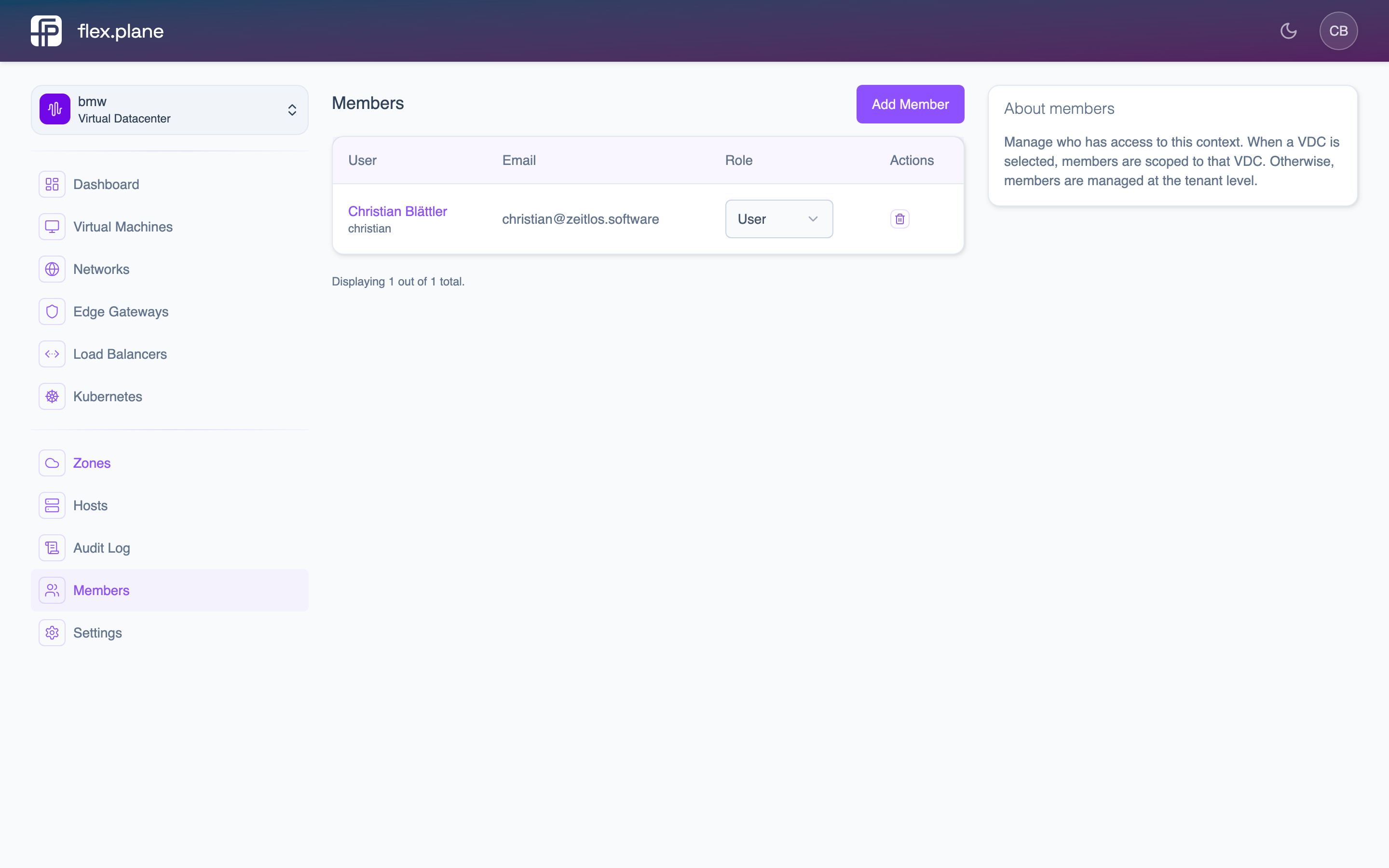 The Members page lists all users in the VDC with their assigned role.
When a user authenticates, their OIDC token contains all their role grants. The orchestrator extracts these claims and builds the user's effective permissions for the current request.
How authorization is enforced
Every field in the GraphQL schema is annotated with a @hasRole directive that specifies which roles can access it:
extend type Query {
  vms: [VM!] @hasRole(role: [VDC_USER])
  hosts: [Host!] @hasRole(role: [USER])
  virtualDatacenters: [VirtualDatacenter!]! @hasRole(role: [ANONYMOUS])
}

extend type Mutation {
  createVM(...): VM! @hasRole(role: [USER])
  createVirtualDatacenter(...): VirtualDatacenter! @hasRole(role: [ADMIN])
  addMember(...): Member! @hasRole(role: [VDC_ADMIN])
}
The orchestrator checks the directive against the user's roles before executing any resolver. If the user does not have a matching role, the request is rejected with an authorization error.
Check what each role can do
The tables below map every GraphQL operation to the minimum required role. A "yes" means the role has access.
Queries
| Operation | ANONYMOUS | VDC_USER | VDC_ADMIN | USER | ADMIN |
|---|---|---|---|---|---|
tenant | yes | yes | yes | yes | yes |
context | yes | yes | yes | yes | yes |
virtualDatacenters | yes | yes | yes | yes | yes |
virtualDatacenter(id) | -- | yes | yes | yes | yes |
vms / vm(vmId) | -- | yes | yes | yes | yes |
vmBackups / vmSnapshots | -- | yes | yes | yes | yes |
vmMetrics | -- | yes | yes | yes | yes |
vmFirewallRules / vmFirewallOptions | -- | yes | yes | yes | yes |
vmFiles / vmFileContent | -- | -- | -- | yes | yes |
networks | -- | yes | yes | yes | yes |
loadBalancers | -- | yes | yes | yes | yes |
edgeGateway (VDC-scoped) | -- | yes | yes | yes | yes |
edgeGateways (tenant-wide) | -- | -- | -- | yes | yes |
zones / zone(zoneId) | -- | yes | yes | yes | yes |
hosts / host(hostId) | -- | -- | -- | yes | yes |
statistics | -- | yes | yes | yes | yes |
computeProfiles | -- | yes | yes | yes | yes |
storageProfiles | -- | yes | yes | yes | yes |
vmImages | -- | yes | yes | yes | yes |
defaultStorage / *StoragePools | -- | -- | -- | yes | yes |
availableKubernetesVersions | -- | yes | yes | yes | yes |
kubernetesClusters / kubernetesCluster | -- | yes | yes | yes | yes |
kubernetesClusterKubeconfig | -- | yes | yes | yes | yes |
members / users | -- | -- | yes | -- | yes |
auditLog | -- | yes | yes | yes | yes |
Mutations: VM operations
| Operation | ANONYMOUS | VDC_USER | VDC_ADMIN | USER | ADMIN |
|---|---|---|---|---|---|
createVM | -- | -- | -- | yes | yes |
startVM / stopVM / rebootVM | -- | -- | -- | yes | yes |
deleteVM | -- | -- | -- | yes | yes |
scaleVM | -- | -- | -- | yes | yes |
cloneVM | -- | -- | -- | yes | yes |
remoteMigrateVM | -- | -- | -- | yes | yes |
connectVMNetwork / disconnectVMNetwork | -- | -- | -- | yes | yes |
attachVMDisk / detachVMDisk / resizeVMDisk | -- | -- | -- | yes | yes |
backupVM / restoreVM / deleteVMBackup | -- | -- | -- | yes | yes |
snapshotVM / rollbackVM / deleteVMSnapshot | -- | -- | -- | yes | yes |
createVMFirewallRule / deleteVMFirewallRule | -- | -- | -- | yes | yes |
setVMFirewallOptions | -- | -- | -- | yes | yes |
writeVMFile | -- | -- | -- | yes | yes |
Mutations: Networking and Kubernetes
| Operation | ANONYMOUS | VDC_USER | VDC_ADMIN | USER | ADMIN |
|---|---|---|---|---|---|
createNetwork / deleteNetwork | -- | yes | yes | yes | yes |
createLoadBalancer / deleteLoadBalancer | -- | yes | yes | yes | yes |
setDefaultPolicy | -- | -- | yes | -- | yes |
addFirewallRule / deleteFirewallRule (gateway) | -- | -- | yes | -- | yes |
createKubernetesCluster | -- | -- | -- | yes | yes |
createKubernetesNodePool / scaleKubernetesNodePool / deleteKubernetesNodePool | -- | -- | -- | yes | yes |
deleteKubernetesCluster | -- | -- | -- | yes | yes |
Mutations: Administration
| Operation | ANONYMOUS | VDC_USER | VDC_ADMIN | USER | ADMIN |
|---|---|---|---|---|---|
createVirtualDatacenter / deleteVirtualDatacenter | -- | -- | -- | -- | yes |
addMember / updateMemberRole / removeMember | -- | -- | yes | -- | yes |
addComputeProfile / updateComputeProfile / removeComputeProfile | -- | -- | -- | yes | yes |
addStorageProfile / removeStorageProfile | -- | -- | -- | yes | yes |
addVMImage / updateVMImage / removeVMImage | -- | -- | -- | yes | yes |
setDefaultStorage | -- | -- | -- | yes | yes |
registerHost | -- | -- | -- | -- | yes |
updateAgent | -- | -- | -- | -- | yes |
USER and VDC_USER scopes are intentionally separate. A USER operates in tenant-wide context and manages platform resources (profiles, images, hosts). A VDC_USER operates within a specific VDC and manages workloads (VMs, networks). A person can hold both roles simultaneously.ADMIN + USER roles, while your customers or end users will have VDC_USER or VDC_ADMIN roles scoped to their respective VDCs.Image Catalog
Manage cloud-init compatible OS images for VM provisioning. Add Ubuntu, Debian, or custom images to a central catalog and distribute them lazily across Proxmox clusters.
Hybrid Cloud
Manage self-hosted Proxmox clusters and cloud providers like Hetzner from a single control plane. Burst into the cloud during load peaks and scale back when demand drops.