

Create a Network
Every Virtual Datacenter needs at least one network. Networks in flex.plane are isolated Layer 2 segments with a defined CIDR range. Each network gets an automatically derived gateway address, and VMs connected to it receive IPs from that range automatically.
Define the network
Before you create a network, you need three things:
| Parameter | Description | Example |
|---|---|---|
| ID | A unique identifier for the network. Keep it short and descriptive. | web-tier |
| Name | A human-readable display name. | Web Tier Network |
| IP Range | A CIDR block defining the address space. | 10.100.0.0/24 |
The gateway address is derived automatically from the IP range. It is always the first usable address in the subnet. For 10.100.0.0/24, the gateway will be 10.100.0.1.
Create via the portal
- Navigate to Networks in the sidebar.
- Click Create Network.
- Enter the network ID, name, and IP range.
- Click Create.
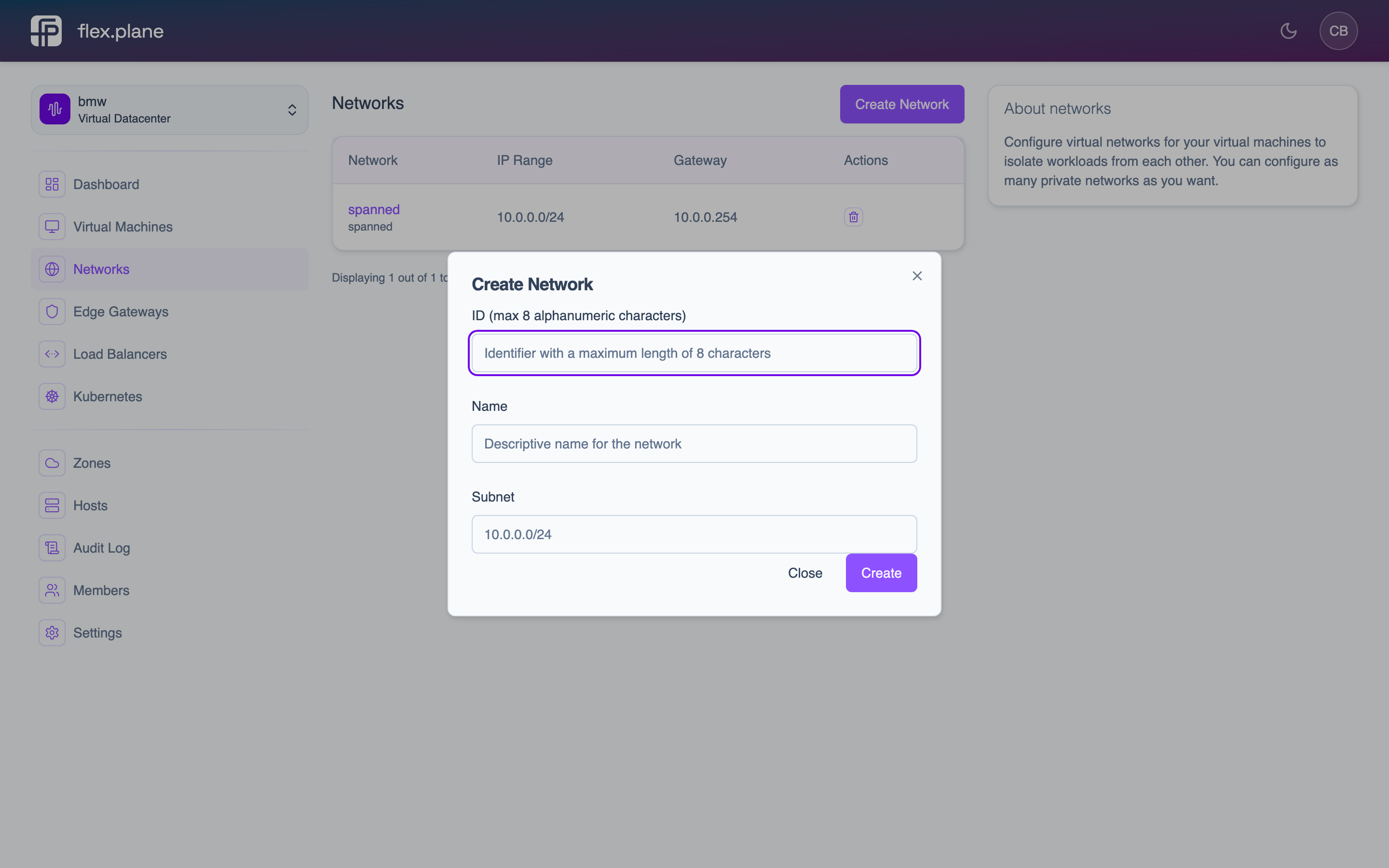 The network creation form where you define the network identifier, display name, and CIDR range.
The network appears in the list immediately and is ready for VMs to connect to.
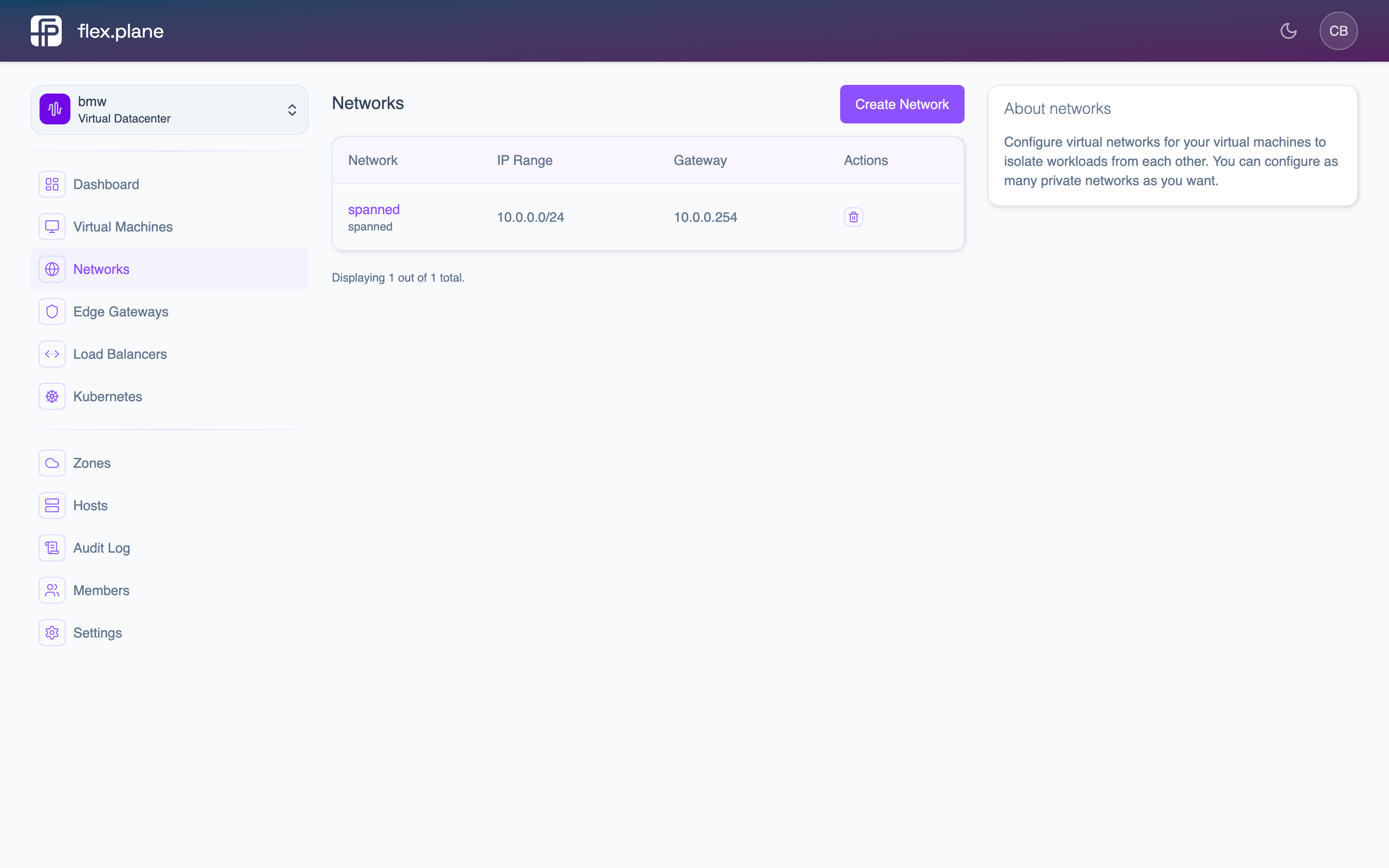 The Networks page displays all virtual networks in the current VDC with their IP ranges, gateways, and connected VMs.
Delete a network
To delete a network, find it in the Networks list and click the delete action. The portal asks for confirmation before proceeding.