

Edge Gateways
Every Virtual Datacenter gets an edge gateway. The edge gateway is the boundary between your VDC's internal networks and the outside world. It routes traffic between virtual networks, connects them to external networks, and runs a stateful firewall to control what goes in and out.
Understand edge gateways
An edge gateway sits at the perimeter of your VDC. It serves three purposes:
- External connectivity. VMs on private virtual networks can reach external destinations through the gateway.
- Inter-network routing. VMs on different networks within the same VDC communicate through the gateway rather than requiring direct L2 connectivity.
- Firewalling. Inbound and outbound traffic passes through the gateway's firewall, where you can enforce policies and rules.
Each VDC has exactly one edge gateway, and it is created automatically when the VDC is provisioned. You do not need to create or delete edge gateways manually.
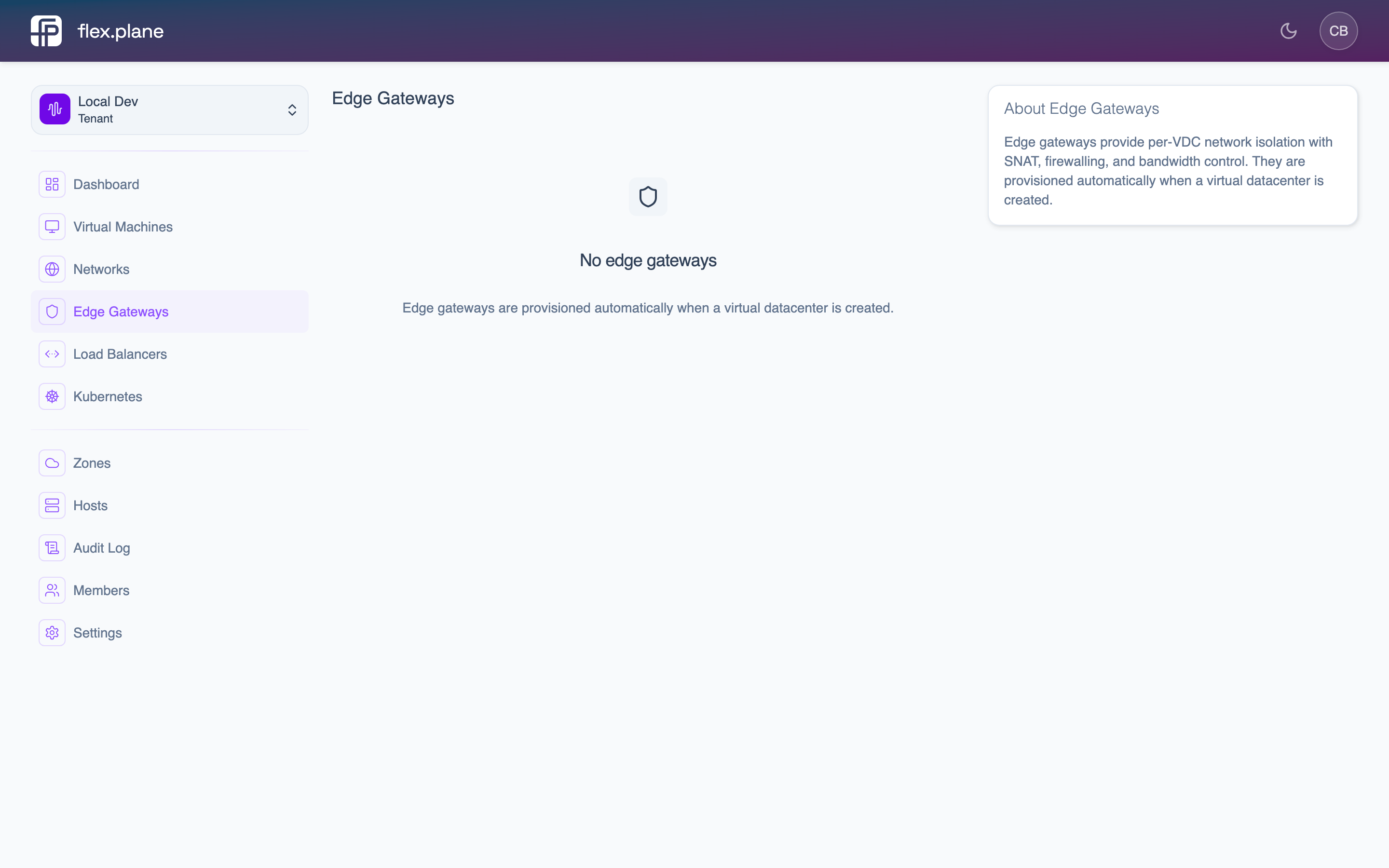
 The Edge Gateways page shows the gateway for each VDC. Gateways are provisioned automatically when a VDC is created.
View gateway networks
The edge gateway knows about all networks in your VDC and assigns itself a gateway IP on each one. Navigate to the gateway detail page to see the connected networks, their gateway IPs, and the current firewall configuration.
 The gateway detail page displays connected networks with their gateway IPs and the current firewall rule set.
The networks section shows every virtual network in the VDC along with the gateway's IP on that network. This is the address VMs use as their default gateway for external traffic.
Manage the gateway firewall
The edge gateway includes a stateful firewall with configurable default policies and ordered rules. Firewall management requires the VDC_ADMIN role.
For full details on configuring firewall rules and policies, see the dedicated Gateway Firewall page.
The key concepts:
- Default policies control what happens to traffic that does not match any rule. You can set separate policies for inbound and outbound traffic:
ACCEPT,DROP, orREJECT. - Firewall rules are evaluated in order by position. Each rule specifies an action, direction, and optional protocol/port/source filters.
- Rules are stateful. If you allow inbound traffic on port 443, the return traffic is automatically permitted.
DROP and the default outbound policy to ACCEPT, then add specific rules to allow the inbound traffic you need.