

Manage Zones
A zone in flex.plane maps to a Proxmox cluster. Each zone contains one or more hosts (Proxmox nodes) and represents a distinct failure domain. If you have multiple Proxmox clusters across data centers or regions, each one appears as a separate zone.
View zones
Navigate to Platform > Zones in the portal. The zones page lists all registered Proxmox clusters with their hosts and status.
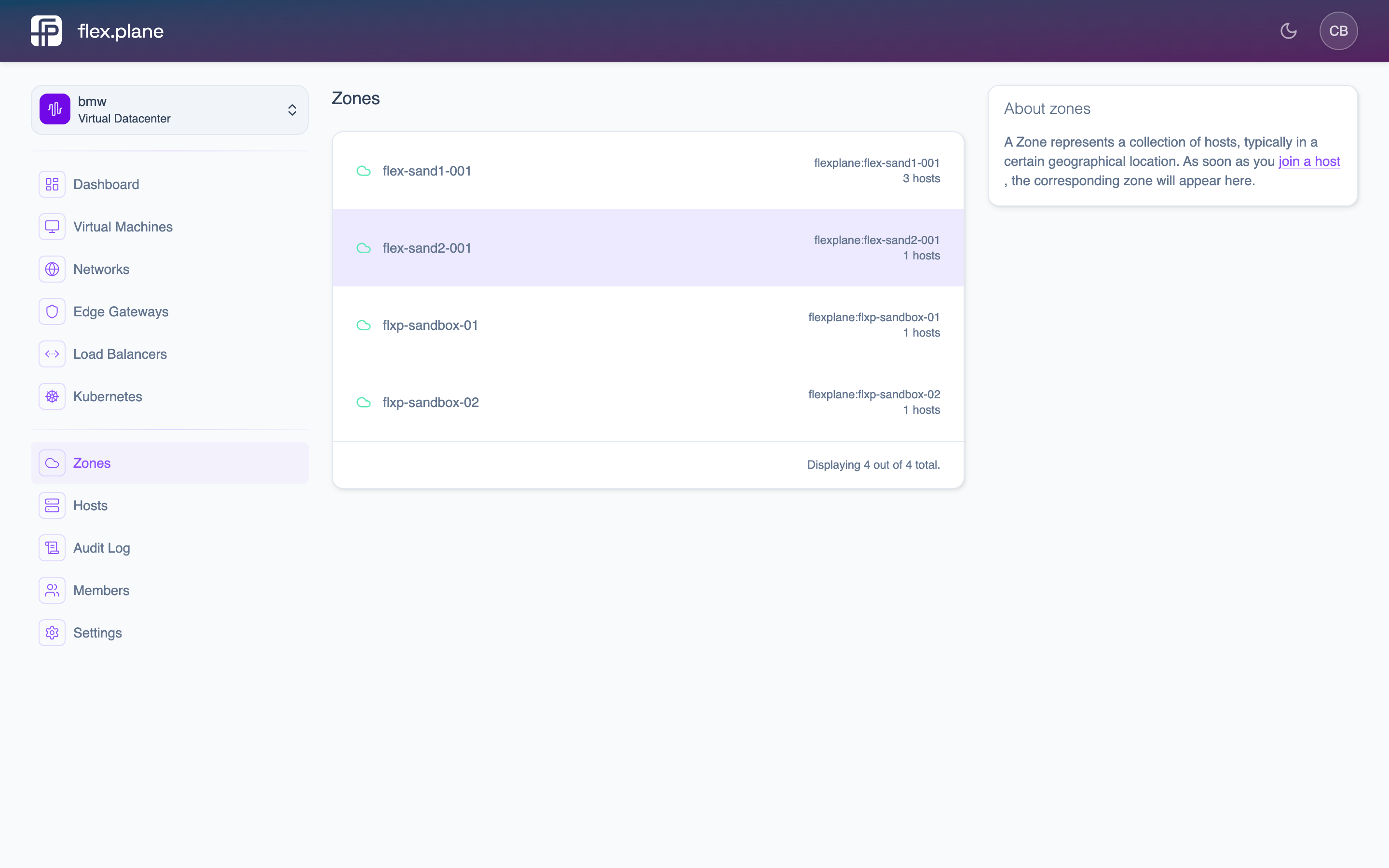 The Zones page shows all registered clusters with their hosts and online status.
Click a zone to see its hosts, resource usage, and audit log.
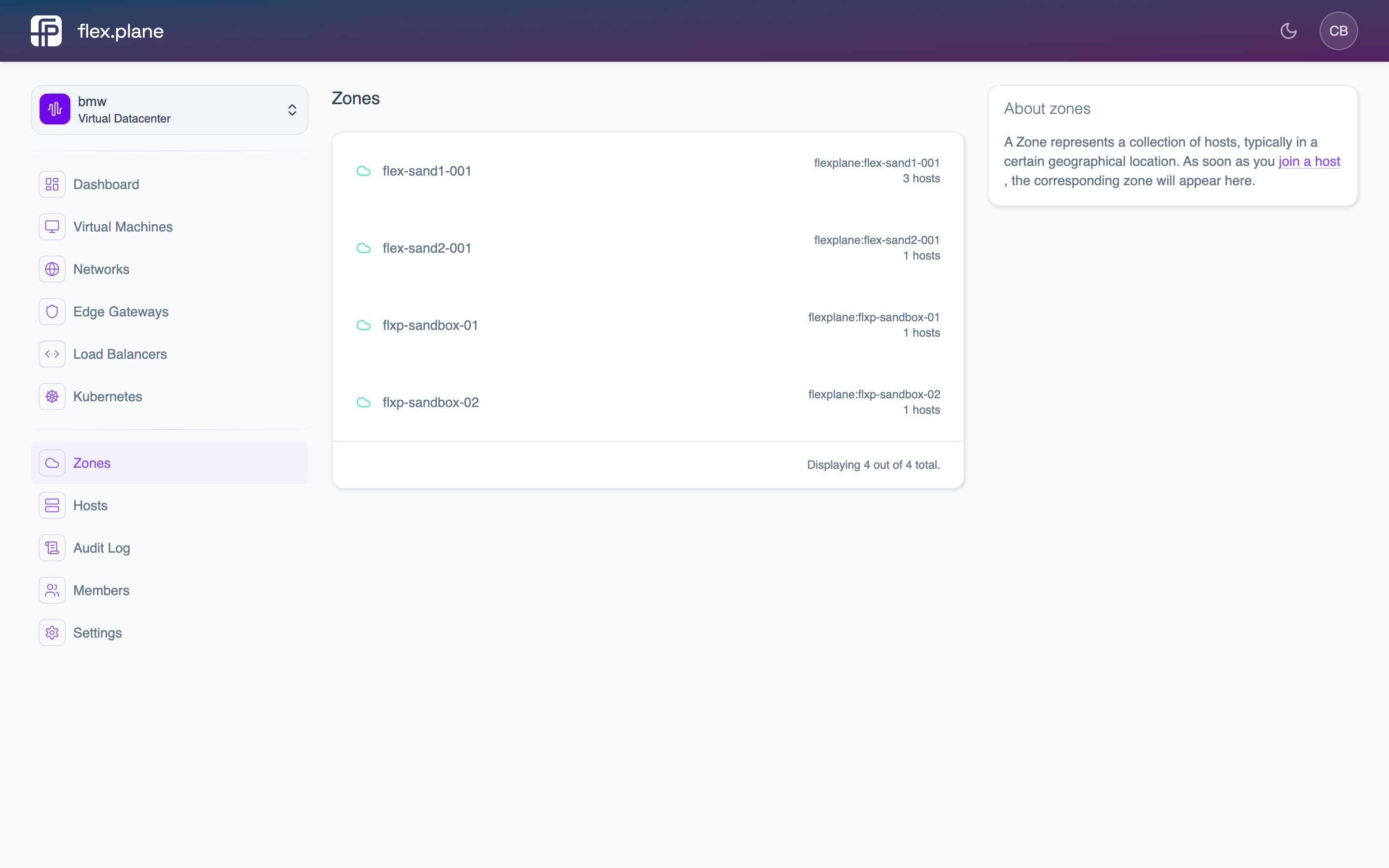 The zone detail page displays hosts, aggregated resource utilization, and the zone's audit log.
Monitor zone resources
The resources field on a zone aggregates resource utilization across all hosts in the cluster:
| Resource | Fields | Description |
|---|---|---|
| CPU | cores, percentage | Total logical cores and current usage across the zone. |
| Memory | used, total, percentage | Memory consumption in bytes and as a percentage. |
| Storage | used, total, percentage | Shared storage utilization in bytes and as a percentage. |
Resource data is fetched directly from Proxmox at request time. There is no caching or aggregation delay. What you see is what the cluster reports right now.
View the zone audit log
Each zone maintains an audit trail of operations. The zone detail page includes an audit log section that shows all operations that affected resources in the zone: VM creation, network changes, agent updates, and more.
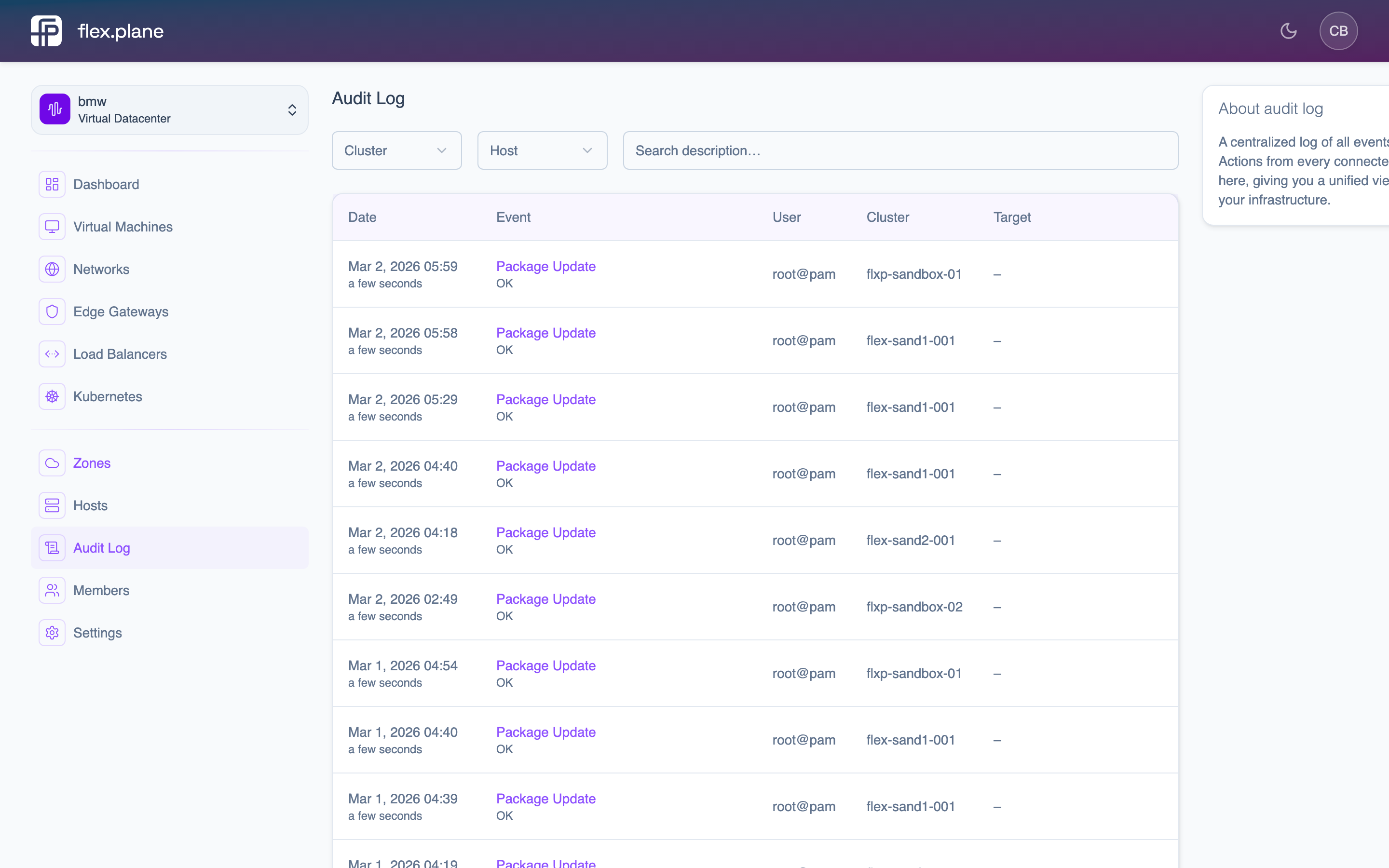 The audit log displays operations with their status, user, timestamps, and affected resources.
See Audit Log for full details on filtering and understanding audit events.