

Kubernetes
Access a Cluster
Retrieve the kubeconfig and connect.
Once your Kubernetes cluster is in the Running state, you can retrieve its kubeconfig and start interacting with it using standard Kubernetes tools.
Download the kubeconfig
Navigate to the cluster's detail page and click Download Kubeconfig. The portal provides the complete kubeconfig as a YAML file.
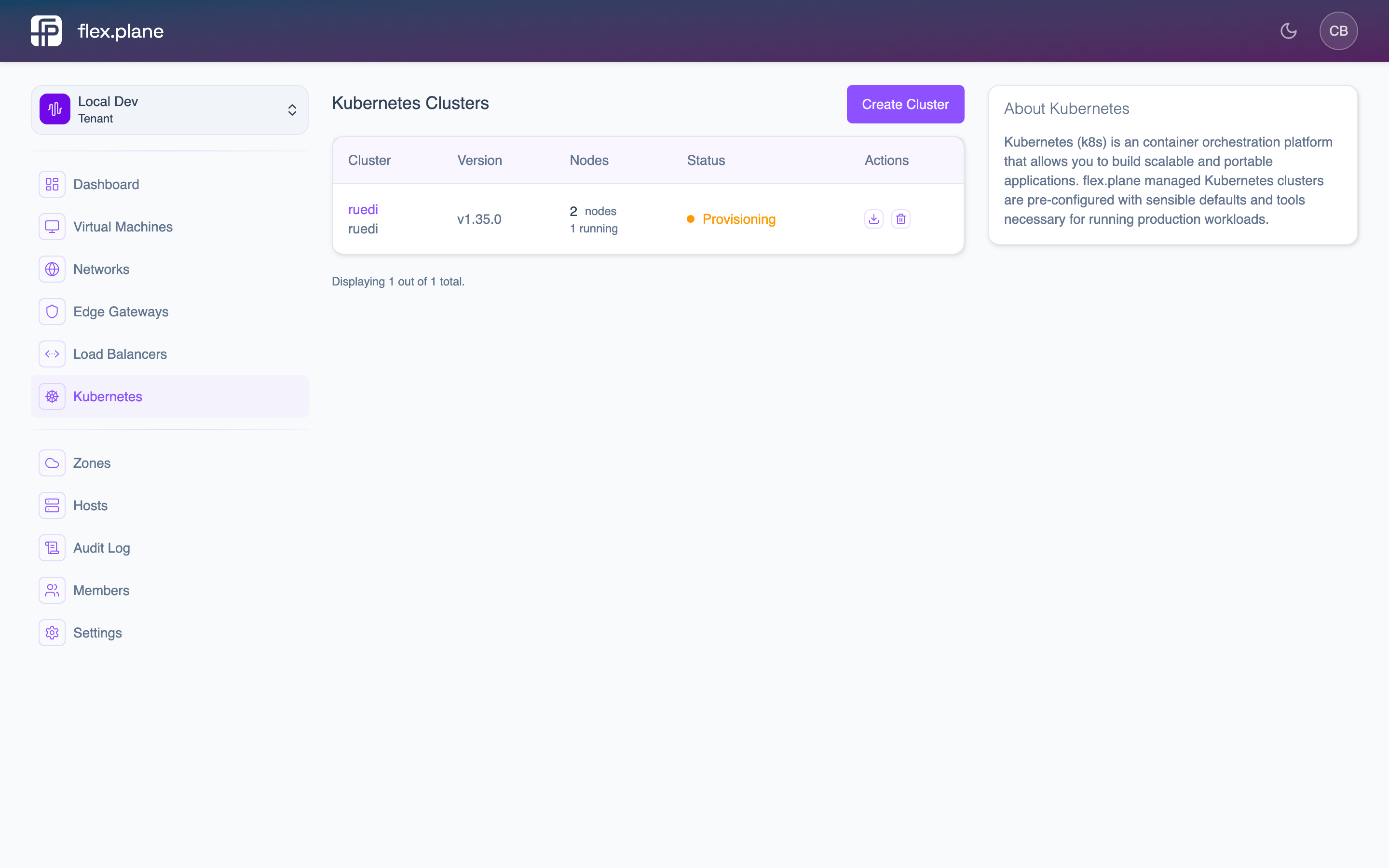 The cluster detail page includes a kubeconfig download option for connecting with kubectl.
Alternatively, save the kubeconfig content to a file manually:
# Save to a dedicated file
cat > ~/.kube/flex-production.yaml << 'EOF'
# Paste the kubeconfig content here
EOF

# Or set it as your active config
export KUBECONFIG=~/.kube/flex-production.yaml
Keep cluster kubeconfigs in separate files and use the
KUBECONFIG environment variable or the --kubeconfig flag to switch between them. This avoids accidentally running commands against the wrong cluster.The kubeconfig contains:
- Cluster endpoint: the API server address for your cluster's hosted control plane.
- Authentication credentials: client certificate and key for authenticating to the API server.
- CA certificate: for verifying the API server's TLS certificate.
Connect with kubectl
With the kubeconfig in place, verify the connection:
# Check cluster info
kubectl cluster-info

# List nodes
kubectl get nodes

# Verify all node pools are healthy
kubectl get nodes -o wide
You should see your worker nodes listed with Ready status. The node names correspond to the VMs provisioned by flex.plane.
# Example output
NAME                  STATUS   ROLES    AGE   VERSION
general-abc12-001     Ready    <none>   10m   v1.31.2
general-abc12-002     Ready    <none>   10m   v1.31.2
general-abc12-003     Ready    <none>    9m   v1.31.2
memopt-def34-001      Ready    <none>    8m   v1.31.2
memopt-def34-002      Ready    <none>    8m   v1.31.2
Worker nodes show
<none> for roles because the control plane runs on the management cluster, not on these nodes. This is expected behavior with hosted control planes.From here, you can use all standard Kubernetes operations:
# Deploy a workload
kubectl apply -f deployment.yaml

# Check pod status
kubectl get pods -A

# View logs
kubectl logs -f deployment/my-app

# Execute into a pod
kubectl exec -it pod/my-app-xyz -- /bin/sh
The kubeconfig contains sensitive credentials. Treat it like a password. Do not commit it to version control, share it in plain text, or store it in insecure locations.
All
kubectl exec, kubectl logs, and kubectl port-forward commands work through the Konnectivity tunnel. You do not need direct network access to the worker nodes.