

Platform Administration
Configure Default Storage
Set default storage pools for VMs, backups, images, and ISOs.
flex.plane needs to know which Proxmox storage pools to use for different types of data. Default storage settings tell the platform where to place VM disks, store backups, cache OS images, and keep ISO files.
Understand storage types
There are four storage categories, each serving a distinct purpose:
| Type | What it stores | Typical pool type |
|---|---|---|
| VM Storage | Virtual machine disk images. This is where your VMs' primary disks live. | Ceph RBD, ZFS, LVM-Thin |
| Backup Storage | VM backup files. Used when creating and restoring snapshots. | NFS, CIFS, PBS (Proxmox Backup Server) |
| Image Storage | Cloud images downloaded from the image catalog. Cached per node. | Local storage, NFS |
| ISO Storage | ISO files for manual installations or additional media. | Local storage, NFS |
Each type maps to a Proxmox storage pool. The available pools depend on what you have configured in your Proxmox clusters.
The available pools for each type are shown in the portal under Platform > Default Storage.
Not every Proxmox storage pool supports every content type. Proxmox pools are configured with specific content types (images, backups, ISOs, etc.), and flex.plane only shows pools that support the relevant content type for each category.
Set defaults
- Navigate to Platform > Default Storage in the portal.
- For each storage type, select the desired pool from the dropdown.
- Click Save.
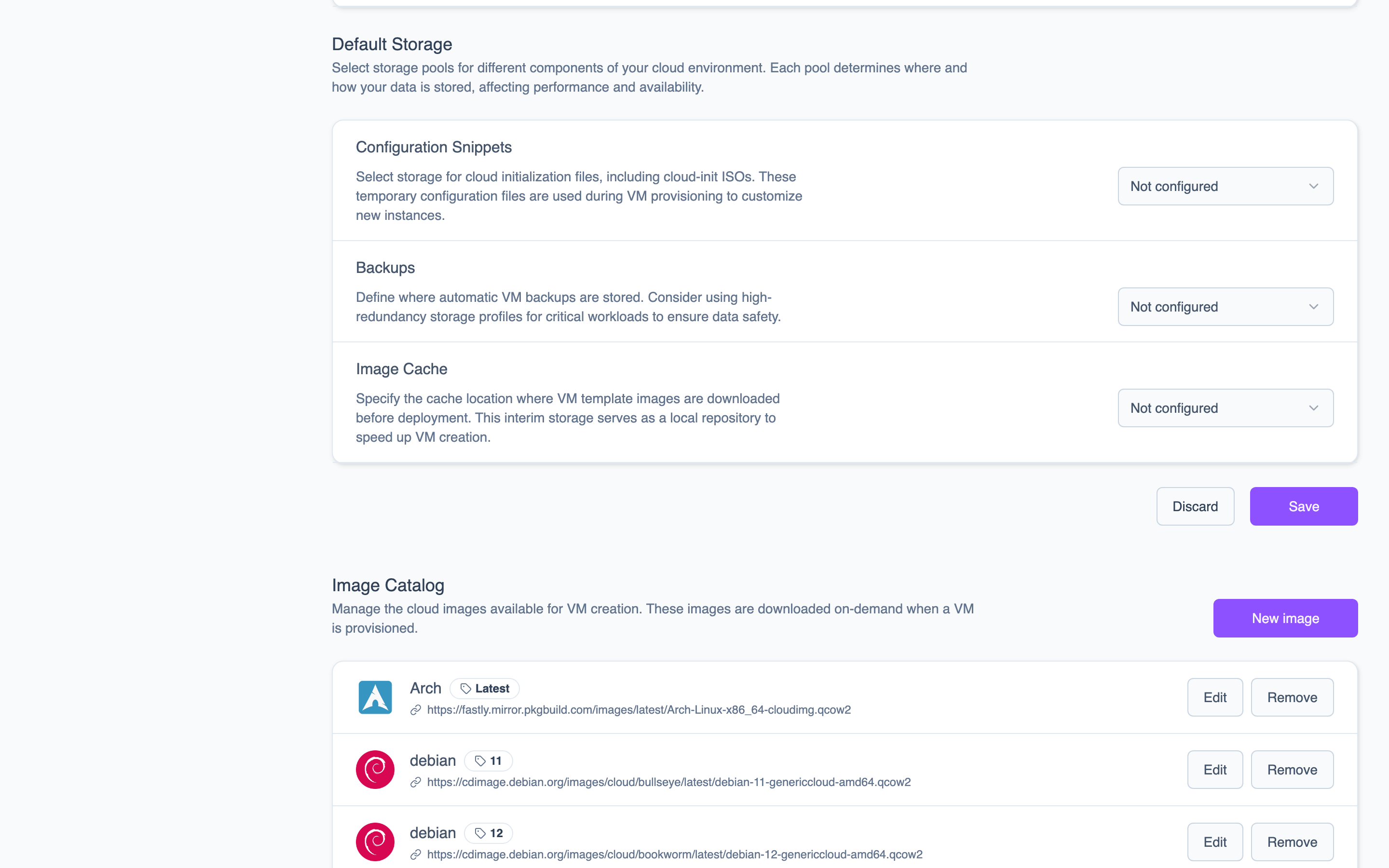 The Default Storage page lets you select the Proxmox storage pool for each category.
Changing the default VM storage pool does not migrate existing VMs. It only affects where new VM disks are created. If you need to move existing VMs to a different pool, use Proxmox's built-in disk migration tools.
A few guidelines for choosing defaults:
- VM storage should be your fastest, most reliable pool. Ceph RBD or ZFS with SSD backing is a good choice.
- Backup storage can be slower but should have plenty of capacity. Network-attached storage or a Proxmox Backup Server works well.
- Image storage is read-heavy but relatively small. Local storage on each node avoids network overhead during image downloads.
- ISO storage is rarely accessed. Any available pool works.
If you use storage profiles, the default VM storage is used as a fallback when no profile is specified. Make sure it points to a reasonable general-purpose pool.