

Scale a Cluster
Scaling a Kubernetes cluster in flex.plane means changing the size of its node pools. Add nodes to handle more load, remove nodes to save resources, or add a whole new node pool for workloads with different needs.
Scale a node pool
- Open the cluster and switch to the Node Pools tab.
- Open the pool's menu and choose Scale.
- Pick the new number of nodes and click Scale.
Each pool scales independently. Workload pools scale between 0 and 10 nodes, the system pool between 1 and 10.
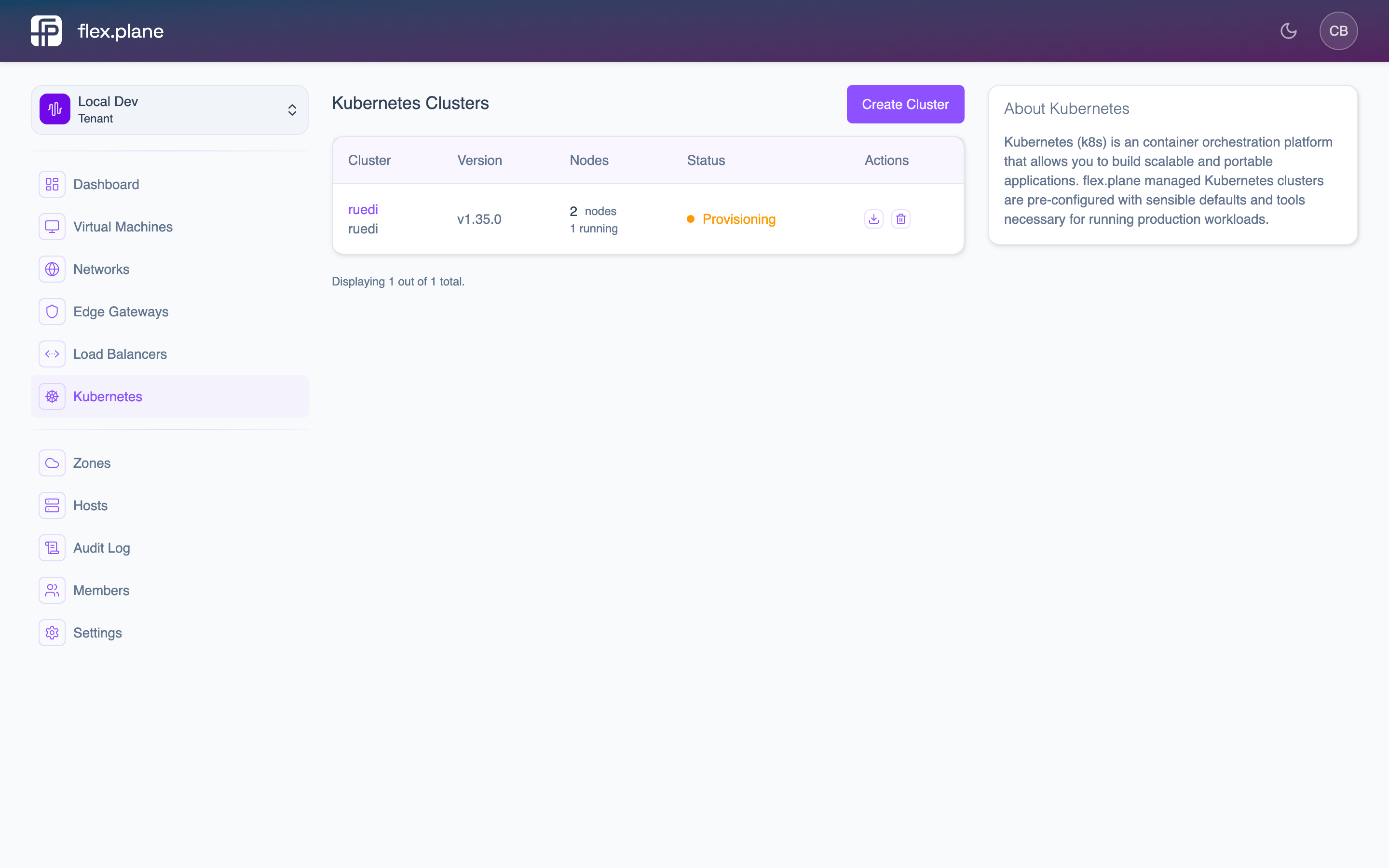 The cluster detail page shows each node pool with its current size, status, and individual nodes.
Scale up
New nodes are provisioned as VMs, boot up, install Kubernetes components, and join the cluster. The process typically takes a few minutes per node.
Scale down
When you decrease the size of a pool, the platform gracefully removes the excess nodes:
- The oldest nodes in the pool are selected for removal.
- Selected nodes are cordoned (no new pods scheduled).
- Existing pods are drained (gracefully evicted).
- The underlying VMs are deleted.
Monitor scaling progress
While nodes are added or removed, the pool is in the Scaling state. Monitor progress on the Node Pools tab.
Scaling is complete when:
- The pool's state returns to
Ready. - The pool's
readyReplicasmatches itssize. unavailableReplicasis 0.
state.reason fields. Common issues include insufficient host capacity in the target zone, storage provisioning failures, or network configuration problems.